
Keep clinic teams connected.
Plan staff account changes, shared workstation standards, mobile-device management, and the everyday support routes your teams use.
Devices & staff supportMicrosoft IT, digital workplaces, and practical automation for federally qualified health centers (FQHCs), community clinics, and clinical organizations.
 MEDICAL · DENTAL · BEHAVIORAL HEALTH · OUTREACH
A useful solution accounts for department ownership, shared resources, multiple locations, and the handoffs between clinical and administrative staff.
Plan staff account changes, shared workstation standards, mobile-device management, and the everyday support routes your teams use.
Devices & staff supportBring Microsoft 365, identity, endpoint protection, and role ownership into a defined operating model across your locations.
Microsoft & securityOrganize policies, department resources, templates, ownership, and document review in a SharePoint workplace your staff can navigate.
See the SharePoint demonstrationExplore a restricted operational work queue for roster reconciliation, follow-ups, reminders, and internal administrative review.
Explore the credentialing pilotStructure reimbursement requests, purchasing intake, supervisor reviews, and Finance handoffs. Vaccine operations work focuses on review tasks and evidence.
Explore workflows & operationsScope a receptionist or routine English–Spanish communication workflow with defined testing, approved information, and a path to a person.
Explore scoped AI pilotsChoose a department or recurring operational problem. Agree the owner, information boundaries, and acceptance checks. Build and test with the team before expanding.
How engagements workWho submits, reviews, maintains the information, and handles exceptions?
Use representative scenarios and the intended staff accounts to test the process.
Document ownership, support, staff guidance, and the next review.
Real captures from the independently authored portfolio. Open an image to inspect the layout, or watch the guided overview.
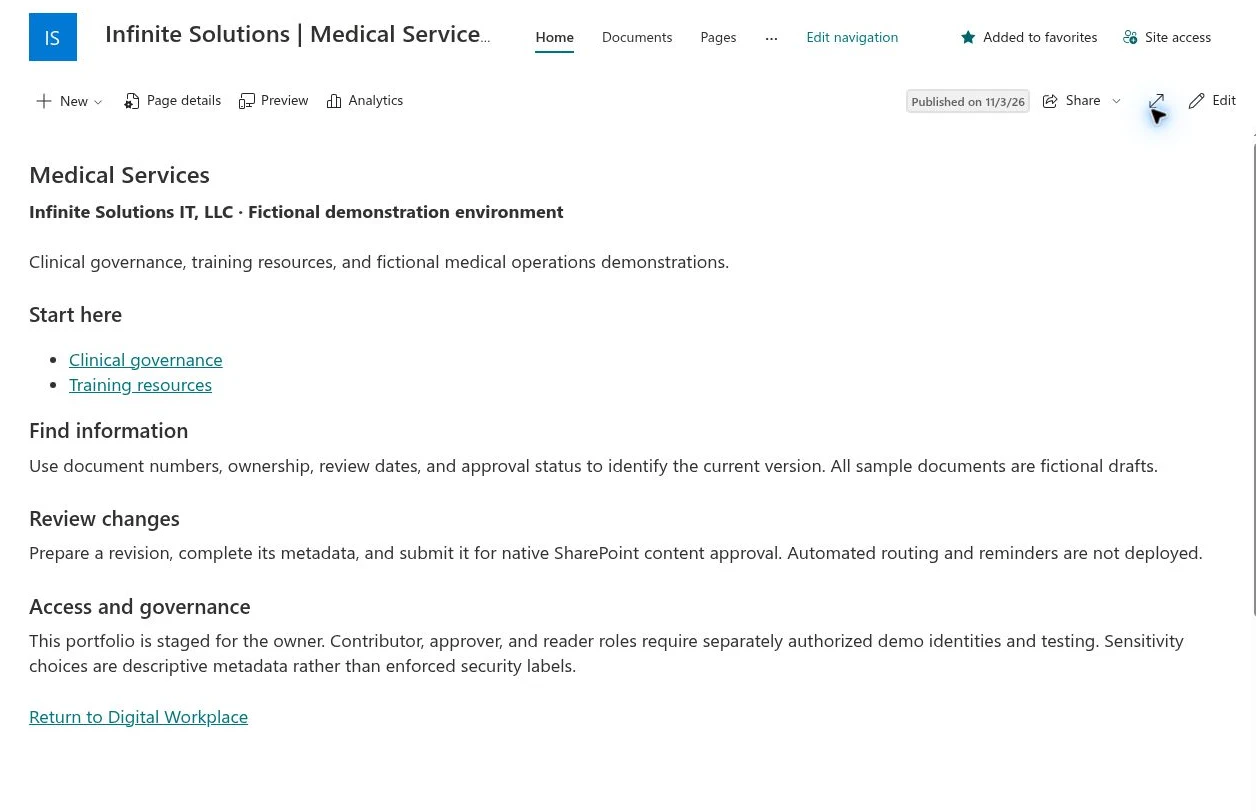
Clinical governance and training resources.
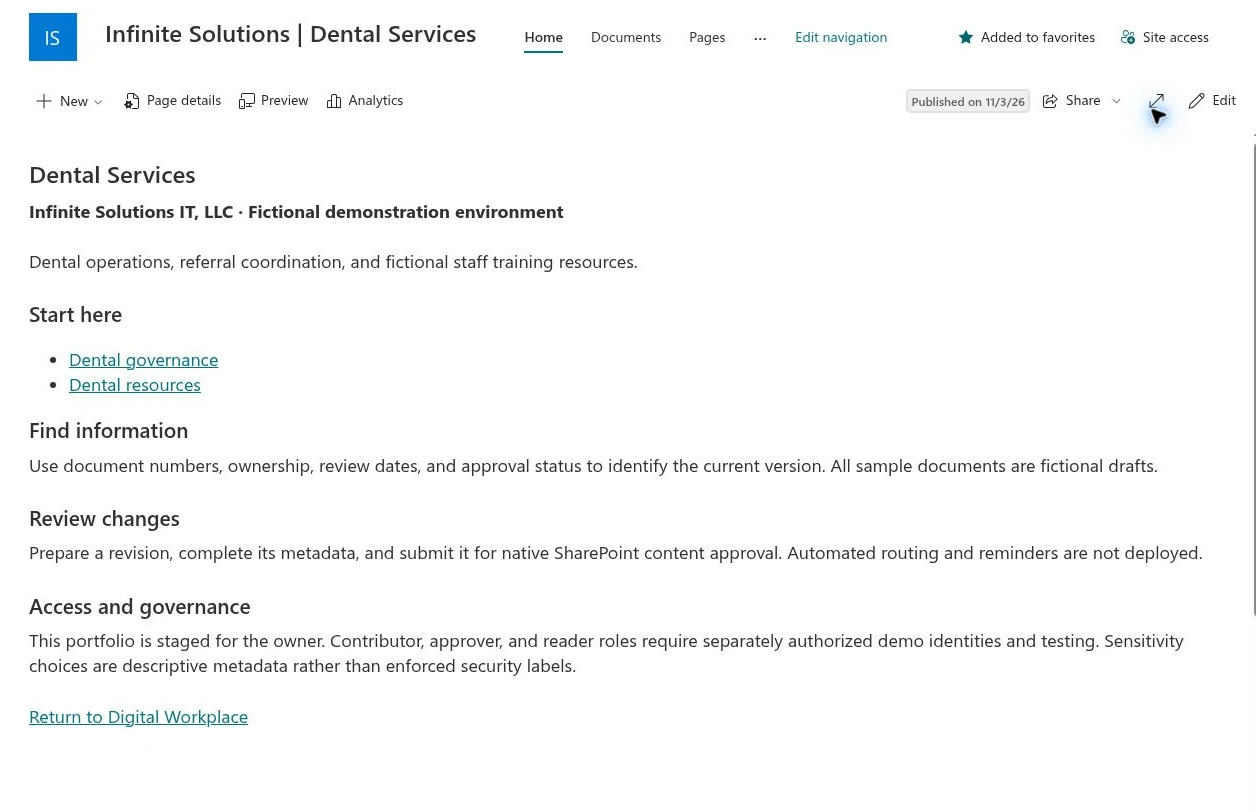
Dental operations and department knowledge.
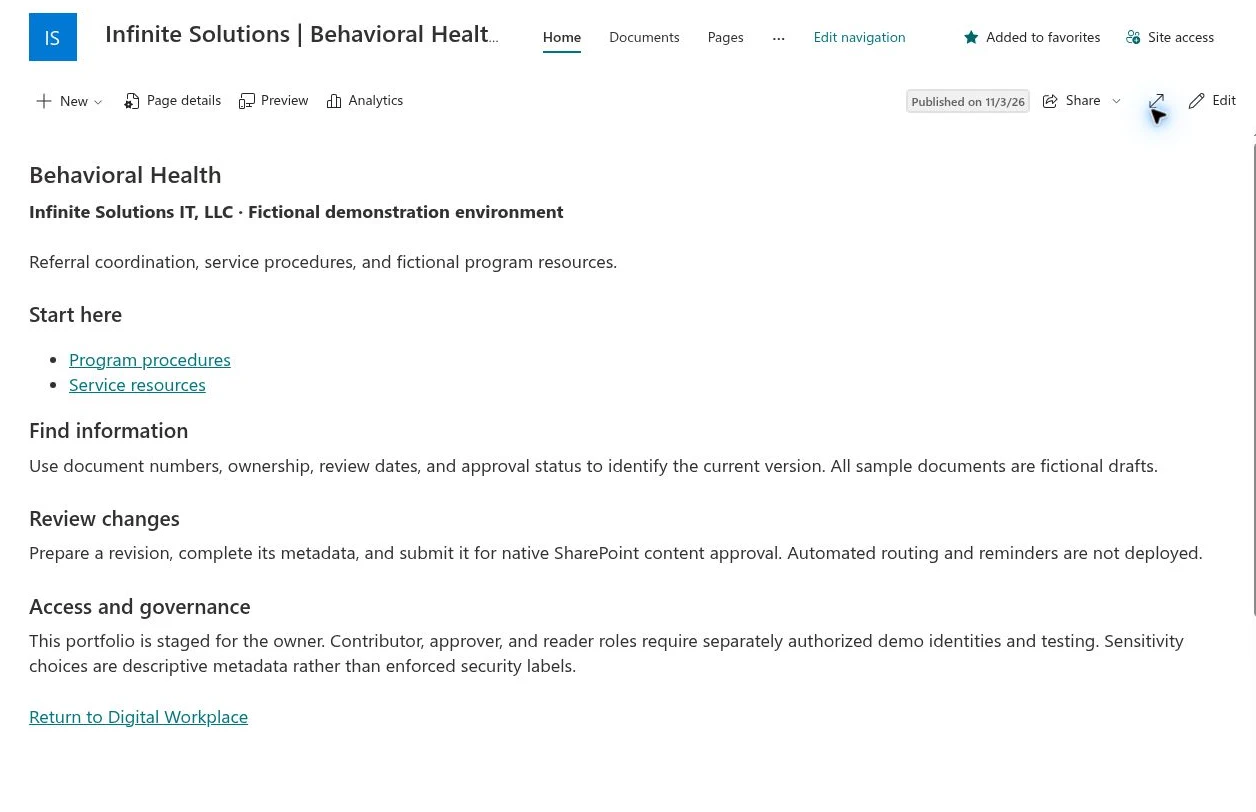
Service procedures and program resources.
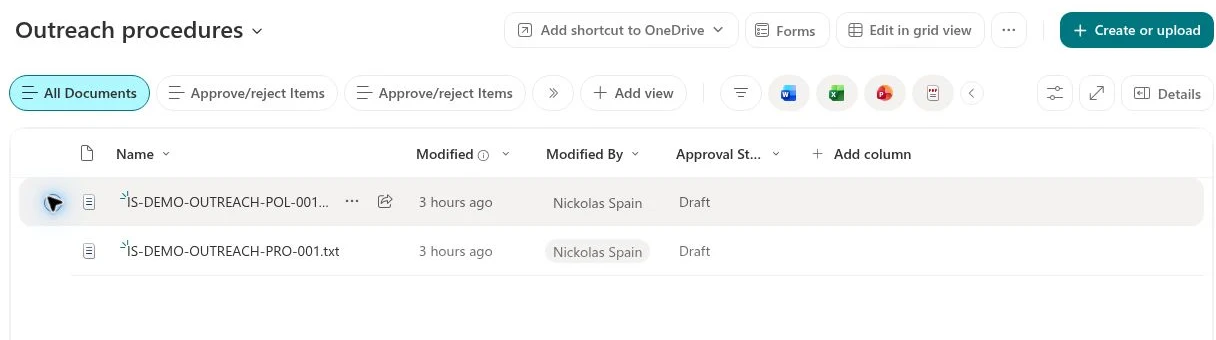
Fictional policy and procedure drafts.
We can scope a project or work alongside your internal IT team. Engagements define responsibilities, licensing, information access, and the way completion will be verified.
Bring the operational challenge. We’ll help define a clear next step.